Alright class.
Eighteenth lesson in this series.
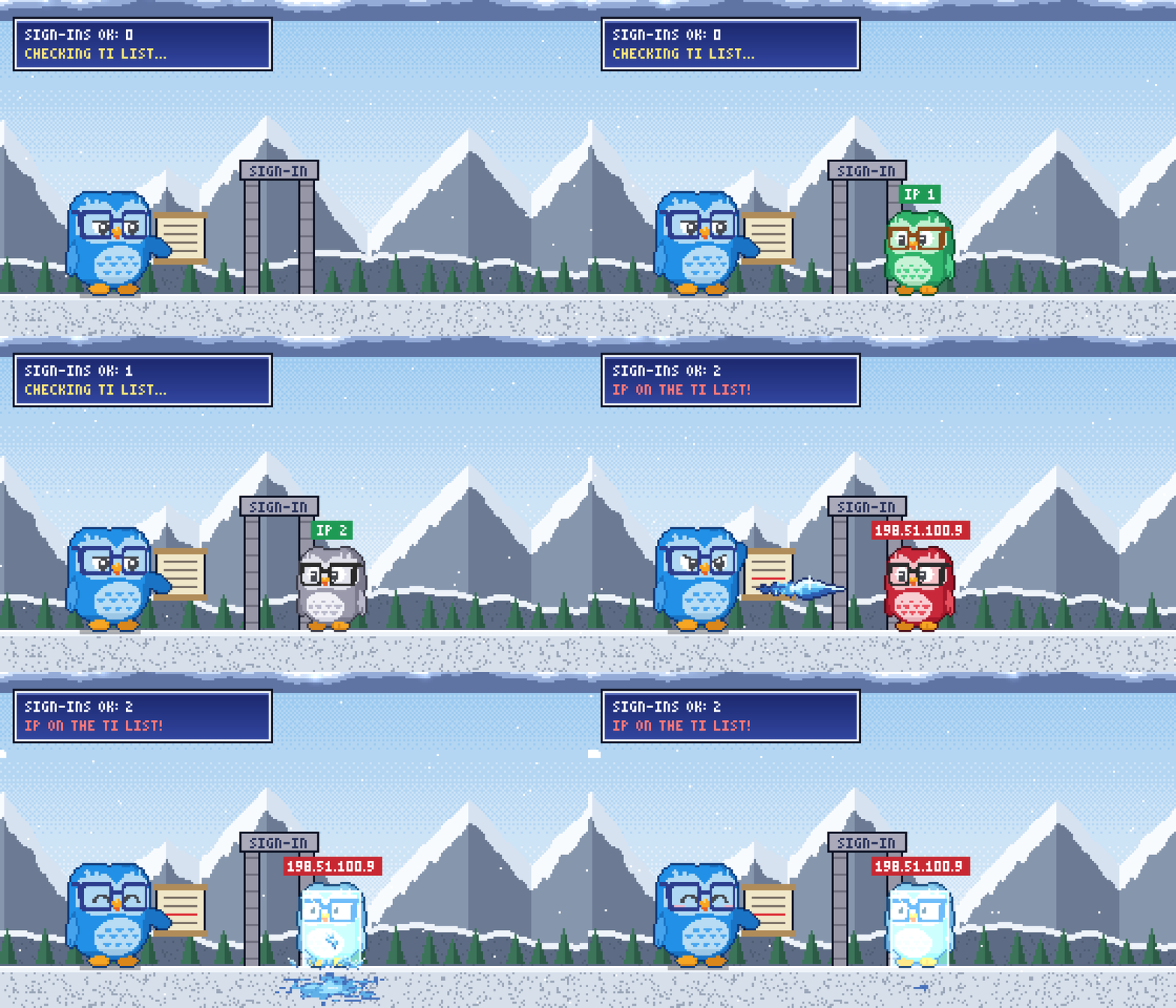
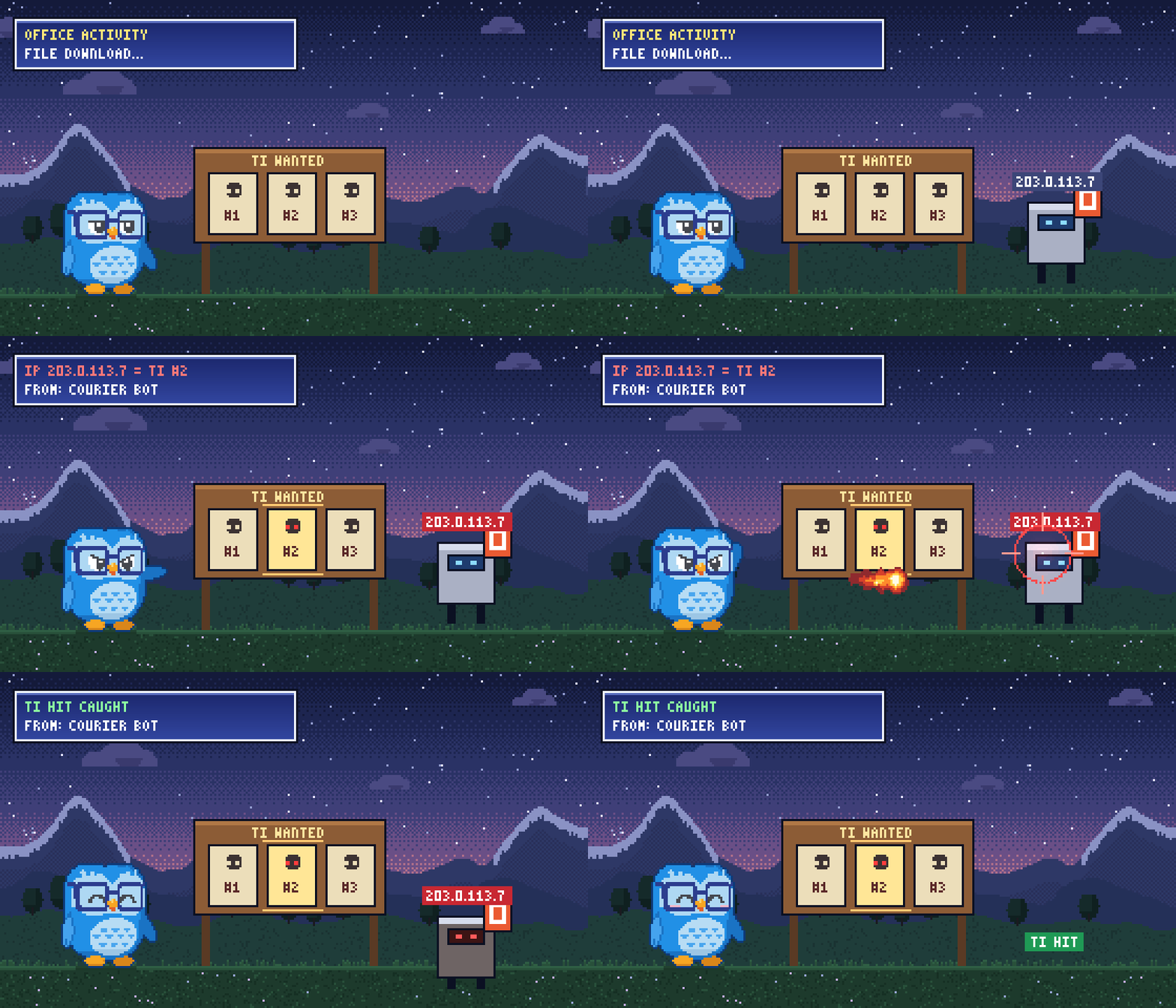
The sibling of the last lesson. That rule watched the door, mapping threat intelligence IPs against sign-ins. This one watches the room, mapping the same indicators against OfficeActivity, and the premise is stronger for it: every OfficeActivity event is post-authentication, so a match here means a session is already operating from listed infrastructure.
One Row Per Indicator, However Big the Fire
The final aggregation:
| summarize OfficeActivity_TimeGenerated = arg_max(OfficeActivity_TimeGenerated, *) by Id
Id is the indicator. So whatever a listed address did in the hour, the output keeps exactly one OfficeActivity event per indicator, the newest one. Walk a real incident through it. A listed IP runs five hundred operations across twelve mailboxes, downloads included. The rule emits one row, carrying the last event, one user and one operation, quite possibly an innocuous FileAccessed that happened to arrive last. The blast radius is not summarised, it is discarded, and the analyst starts the investigation knowing less than the query did.
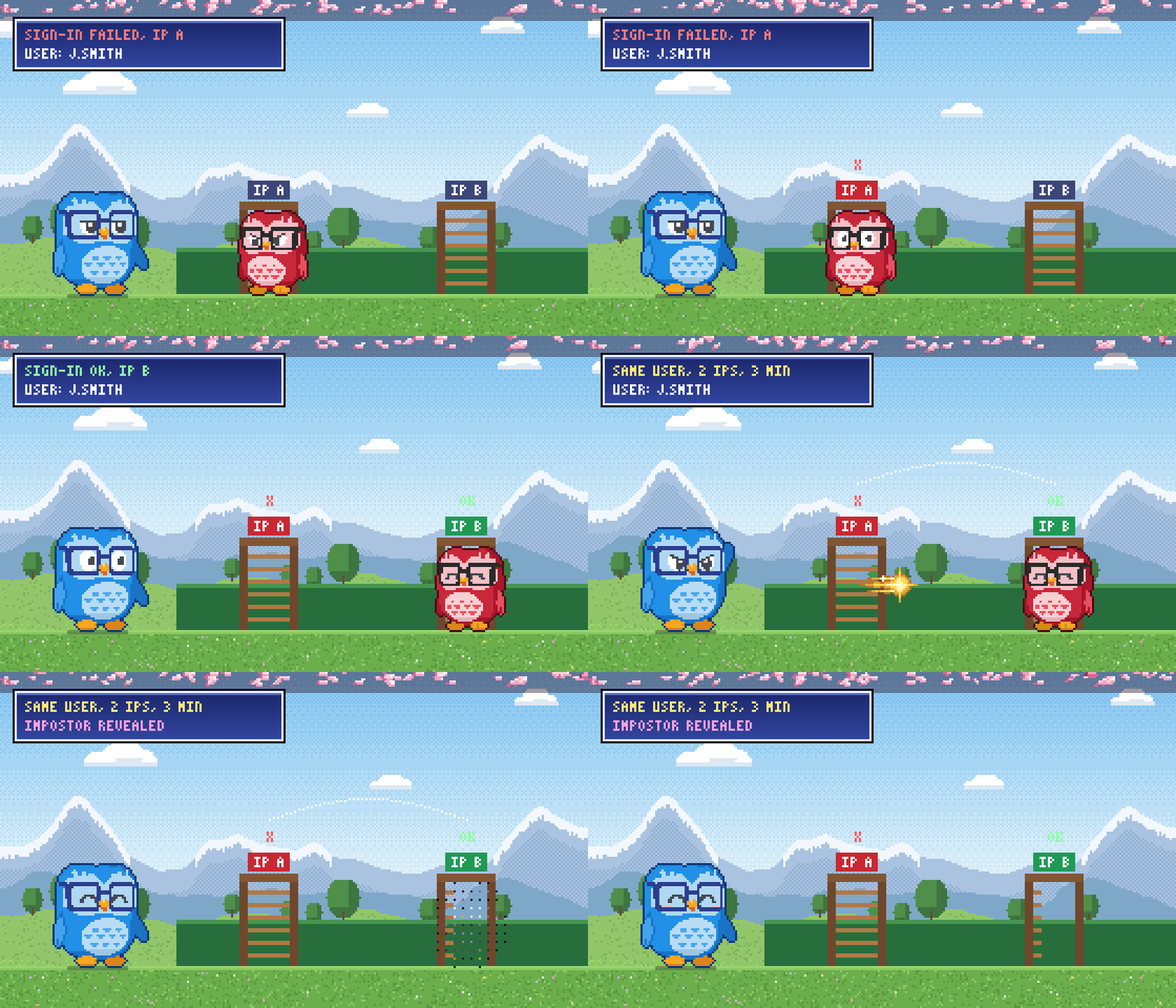
It also cuts the other way. Several feeds often list the same address, so the same session comes back once per indicator. The rule collapses what should be expanded, the events, and expands what should be collapsed, the feeds.
The Family Bugs
The TI map rules are a template family, and two defects from the sign-in sibling shipped here unchanged. The indicator value is uppercased and then matched case-sensitively:
| extend NetworkSourceIP = toupper(ObservableValue)
...
| join kind=innerunique (OfficeActivity_) on $left.TI_ipEntity == $right.IPAddress
IPv4 survives because digits have no case. IPv6 never matches, despite ipv6-addr sitting in the type filter, because OfficeActivity carries lowercase hex and == cares.
The validity logic still argues with itself. Indicators without an expiry are kept as active, then where OfficeActivity_TimeGenerated < ValidUntil compares against their empty value, which is false, and drops every one of them. Same bugs, different table, which is what happens when nobody tests the template.
Credit where due: the ClientIP extraction is good work, stripping IPv6 brackets, ports and the ::ffff: prefix properly, and the rebuild keeps it. Less credit for computing the TLP level of every indicator and then dropping it before the output, while the Url column, empty by construction after the type filter, makes the cut.
A Listed IP Inside the Building
ResultStatus rides to the output as decoration again, but the fix is different here, because the interesting axis is not success. A session from listed infrastructure is already inside; the question an analyst needs answered is what it did. Reading three files is a session. Score the behaviour and three shapes fall out.
The grab. Downloads, full sync pulls, file copies, mail item access, anonymous links created. Data moving towards infrastructure a feed already flagged.
The nesting. New or updated inbox rules, forwarding changes, mailbox permissions. Business email compromise is not the login, it is the plumbing installed after it, and those operations are the toolkit.
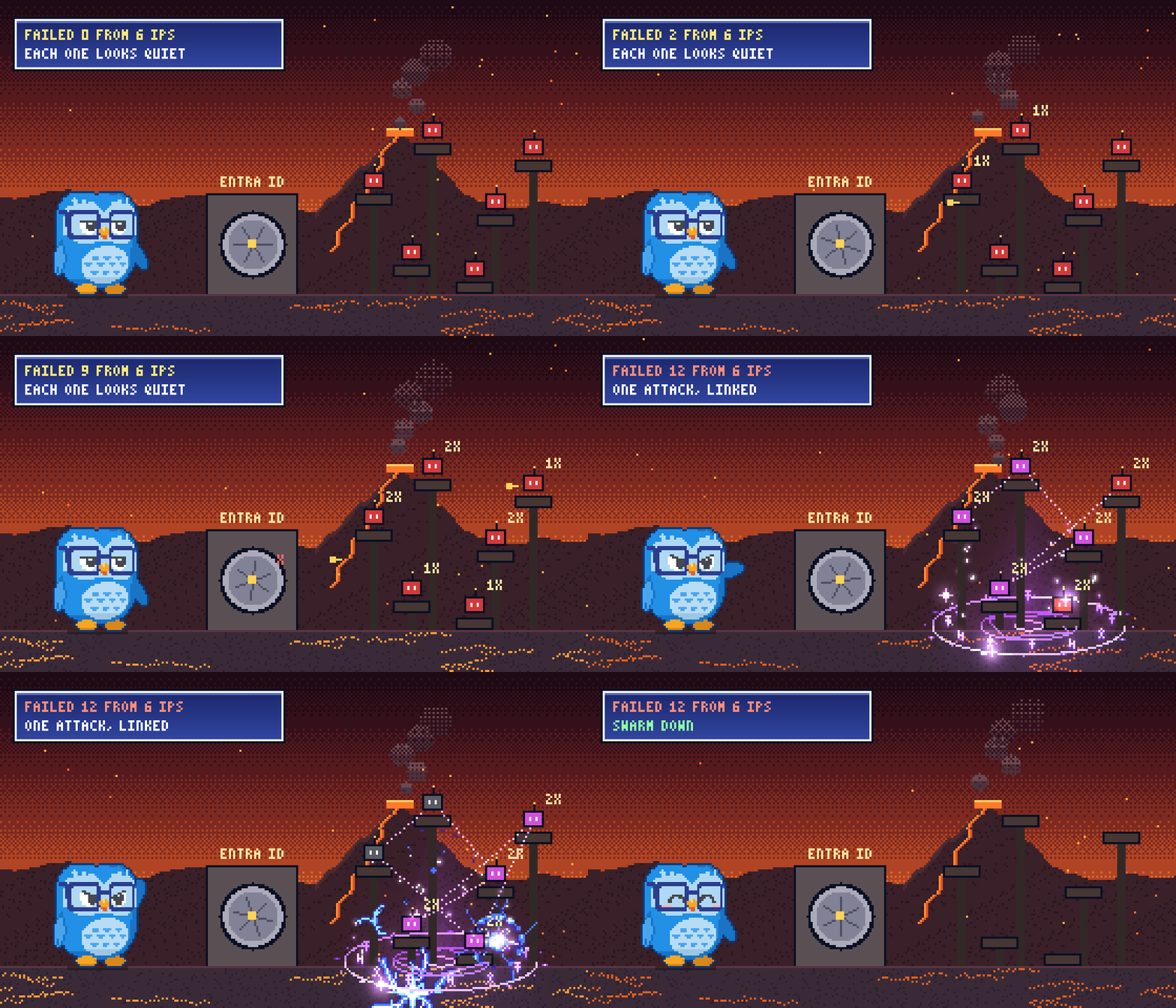
The sweep. Volume, dozens of events or objects in an hour from one account and one listed address, which is how automation behaves and humans mostly do not.
Add who the account is, how confident the feed was, whether the address also probed and failed, and the hour. The sign-in companion from last lesson tells you how the session was opened; this rule tells you what it is doing. Deploy them as a pair.
Your VPN Is Still in the Feeds
The benign flood is the same one as last lesson: staff behind commercial VPN or Tor egress that a feed has listed. They produce OfficeActivity all day. Under the score, ordinary work, a handful of routine operations from a listed address, tops out at three and stays silent even with a high-confidence indicator, an off-hours event and a sync-retry failure burst all stacked. Nothing soft fires this rule.
The stated trade-off: the same VPN-listed employee legitimately downloading a project folder trips ExfilOperations and fires. Bulk movement towards listed infrastructure gets one look, by design, and if that is your normal, the operation lists and floors are named variables.
The Rebuild
The gate is the score, with the two behaviours that matter clearing it alone:
| where RiskScore >= FireThreshold
Exfiltration-class operations fire alone. Mailbox manipulation fires alone. Mass activity, privilege, confidence, failure bursts and timing stack. The grain is one row per account and listed address with the counts, operations and objects aggregated on it, so the blast radius arrives instead of the newest event. Degradation is graceful: UEBA only decorates, so without it the privilege signal stays silent and everything else runs; without E5 audit, MailItemsAccessed never appears and the file-side operations carry the exfiltration signal; and a missing lookup silences a signal rather than inventing one.
What the Analyst Sees
The row is the triage. Operations and ObjectsSample list the actions and the actual paths touched, which is the blast radius written down. The indicator side carries descriptions, sources, confidence, activity groups, TLP marking and expiry, so the analyst also knows what they are allowed to share. The account side carries roles, department and user type, and UsersFromIp says whether the address is working other accounts in the same hour. RawClientIP keeps the unparsed original for the pedants.
The RiskIndicators Field
Same accumulating string as the rest of the series, mapped as a custom detail:
ExfilOperations | MailboxManipulation | MassActivity | PrivilegedAccount | HighConfidenceIoc | FailedOpsBurst | OffHoursActivity
The combination to chase is ExfilOperations with MailboxManipulation: the mail was read and the forwarding was planted, from infrastructure a feed already named. That is business email compromise end to end, caught mid-installation.
The Blind Spots You Should Know About
Records without a ClientIP, and rows whose address cannot be parsed, are out of scope, here and in the original alike.
Indicators expressed as CIDR ranges do not equal a single address and will not match; expand ranges upstream or accept the gap. Graph API access that never surfaces in OfficeActivity is a different telemetry problem. And failure-only probing from a listed address never fires alone here, which is deliberate; a session that only fails has not done anything yet.
MITRE Mappings for the Updated Rule
Tactics: Collection, Defense Evasion.
T1530 Data from Cloud Storage. The file-side grab: downloads, sync pulls and copies out of SharePoint and OneDrive.
T1114.002 Email Collection, Remote Email Collection. Mail item access from adversary infrastructure against a cloud mailbox.
T1564.008 Hide Artifacts, Email Hiding Rules. The inbox-rule planting that keeps a compromise invisible to its victim.
Rule Settings
Run every 60 minutes, with the query period at 14 days so the indicator and identity lookups resolve. High severity: a firing row is a session on listed infrastructure moving data or rewiring a mailbox. Alert per result; the query collapses to one row per account and IP. Group by the IP entity over 8 hours, matching the sign-in companion, so one address working several accounts is one incident.
Entity mapping:
Name to Account (Name), UPNSuffix to Account (UPNSuffix)
IPAddress to IP (Address)
Custom details: RiskScore, RiskIndicators, EventCount, ExfilCount, MailManipCount, FailedCount, DistinctObjects, Operations, Workloads, ObjectsSample, UsersFromIp, MaxConfidence, TiSources, TiDescriptions, ActivityGroups, TlpLevels, LatestValidUntil, UserRoles, Department, UserType.
KQL
// =====================================================================
// TI Mapped IP - Office Activity
// =====================================================================
// Description : Fires when a session operating from a threat intelligence listed IP performs
//               Office 365 activity worth an analyst: exfiltration-class operations (downloads,
//               bulk sync, mail item access, anonymous links), mailbox manipulation (inbox
//               rules, forwarding, permissions), or mass activity, weighted with account
//               privilege, indicator confidence, failed-operation bursts and timing. Ordinary
//               work by staff behind VPN-listed egress scores below threshold. Reads the
//               current ThreatIntelIndicators table; indicator values are lowercased, revoked
//               and expired indicators are honoured, TLP markings are surfaced, and rows
//               whose client IP cannot be parsed are dropped.
// Type        : Detection
//
// Tables      : OfficeActivity, ThreatIntelIndicators, IdentityInfo
// Connectors  : Microsoft 365 (OfficeActivity), Threat Intelligence (ThreatIntelIndicators),
//               Microsoft Sentinel UEBA (IdentityInfo)
// License     : Microsoft Sentinel; Microsoft 365 audit; UEBA only enriches (roles, department).
//               MailItemsAccessed requires Purview Audit Premium (E5); without it that operation
//               never appears and the file-side exfiltration operations carry the signal
//
// Tuning      : - Set the rule query period to P14D; the 14d indicator and identity lookups only resolve then
//               - ExfilOps / MailManipOps - extend to your estate, for example eDiscovery export operations
//               - MassFloor / ObjectFloor - events and distinct objects that count as mass activity
//               - FailFloor - explicitly failed operations that count as a probing burst
//               - ConfidenceFloor - indicator confidence that counts as high; align to your feeds
//               - BusinessStart / BusinessEnd - local working hours; TimeGenerated is UTC, shift to your tenant
//
// Known FPs   : - Staff behind VPN or Tor egress that sits in a feed doing ordinary work: a handful of
//                 routine operations scores below threshold and stays silent
//               - The same staff member legitimately downloading a project folder fires on
//                 ExfilOperations; that is one look at bulk movement from listed infrastructure, by design
//               - OneDrive sync retry storms producing failed-operation bursts: weight one, never fires alone
//
// Author      : Bartosz Wysocki | https://www.itprofessor.cloud
// Version     : 1.0 | 2026-07-05
// =====================================================================
let DetectionWindow = 1h;
let TiLookback = 14d;             // indicator ingestion window; the rule query period must match
let IdentityLookback = 14d;       // full UEBA sync cycle, for roles and department
let ConfidenceFloor = 75;         // indicator confidence that counts as high
let MassFloor = 30;               // events from one user and IP that count as mass activity
let ObjectFloor = 15;             // distinct objects touched that count as mass activity
let FailFloor = 10;               // explicitly failed operations that count as a probing burst
let BusinessStart = 7;
let BusinessEnd = 19;
let FireThreshold = 4;
// Scoring weights - what the session did decides; soft context cannot fire on its own
let W_ExfilOps = 4;               // download, bulk sync, mail item access or anonymous link operations
let W_MailManip = 4;              // inbox rules, forwarding or mailbox permission changes; the BEC toolkit
let W_MassActivity = 2;           // event or distinct-object volume past the floors
let W_Privileged = 2;             // the account holds a sensitive directory role
let W_HighConfidence = 1;         // indicator confidence at or above ConfidenceFloor
let W_FailBurst = 1;              // explicitly failed operations at volume; permission probing
let W_OffHours = 1;               // activity outside working hours
let ExfilOps = dynamic([
"FileDownloaded", "FileSyncDownloadedFull", "FileCopied",
"MailItemsAccessed", "AnonymousLinkCreated"
]);
let MailManipOps = dynamic([
"New-InboxRule", "Set-InboxRule", "UpdateInboxRules",
"Set-Mailbox", "Add-MailboxPermission", "Add-RecipientPermission"
]);
let SensitiveRoles = dynamic([
"Global Administrator", "Privileged Role Administrator", "Privileged Authentication Administrator",
"Security Administrator", "User Administrator", "Application Administrator",
"Cloud Application Administrator", "Hybrid Identity Administrator",
"Exchange Administrator", "SharePoint Administrator", "Intune Administrator"
]);
// Office activity in the window, client IP parsed from its bracket, port and prefix wrappers;
// rows whose IP cannot be parsed are dropped
let OfficeEvents = materialize(OfficeActivity
    | where TimeGenerated > ago(DetectionWindow)
    | where isnotempty(ClientIP)
    | extend ClientIPValues = extract_all(@'\[?(::ffff:)?(?P<IPAddress>(\d+\.\d+\.\d+\.\d+)|[^\]%]+)(%\d+)?\]?([-:](?P<Port>\d+))?', dynamic(["IPAddress", "Port"]), ClientIP)[0]
    | extend IPAddress = tolower(iff(array_length(ClientIPValues) > 0, tostring(ClientIPValues[0]), ""))
    | where isnotempty(IPAddress)
    | extend UserId = tolower(UserId)
    | extend IsExfilOp = Operation in~ (ExfilOps)
    | extend IsMailManipOp = Operation in~ (MailManipOps)
    // several workloads leave ResultStatus empty on success, so only an explicit Failed counts as failure
    | extend IsFailed = ResultStatus =~ "Failed"
    | extend HourOfDay = datetime_part("Hour", TimeGenerated)
    | extend OffHoursEvent = HourOfDay < BusinessStart or HourOfDay >= BusinessEnd or dayofweek(TimeGenerated) in (0d, 6d)
);
let ActivityIpSet = toscalar(OfficeEvents | summarize make_set(IPAddress, 1000000));
// Active, unrevoked, unexpired IP indicators seen against the window's IPs, one row per IP.
// Lowercase both sides; indicators without an expiry stay valid instead of being dropped
let TI = ThreatIntelIndicators
    | where TimeGenerated > ago(TiLookback)
    | extend IndicatorType = replace(@"\[|\]|\""", "", tostring(split(ObservableKey, ":", 0)))
    | where IndicatorType in ("ipv4-addr", "ipv6-addr", "network-traffic")
    | extend TiIp = tolower(trim(" ", ObservableValue))
    | where TiIp in (ActivityIpSet)
    | summarize arg_max(TimeGenerated, *) by Id, ObservableValue
    | where IsActive == true and Revoked != true
    | where isnull(ValidUntil) or ValidUntil > now()
    | extend Description = tostring(parse_json(Data).description)
    | where Description !contains_cs "State: inactive;" and Description !contains_cs "State: falsepos;"
    | extend TlpLevel = tostring(parse_json(AdditionalFields).TLPLevel)
    | extend ActivityGroup = extract(@"ActivityGroup:(\S+)", 1, tostring(parse_json(Data).labels))
    | summarize
        MaxConfidence = max(Confidence),
        TiSources = make_set(SourceSystem, 10),
        TiDescriptions = make_set(Description, 5),
        ActivityGroups = make_set_if(ActivityGroup, isnotempty(ActivityGroup), 5),
        TlpLevels = make_set_if(TlpLevel, isnotempty(TlpLevel), 5),
        LatestValidUntil = max(ValidUntil)
      by TiIp;
// How many accounts each listed IP touched in the window; context for the analyst
let IpContext = OfficeEvents
    | summarize UsersFromIp = dcount(UserId) by IPAddress;
// Account context for the acting user
let IdentityContext = IdentityInfo
    | where TimeGenerated > ago(IdentityLookback)
    | summarize arg_max(TimeGenerated, AssignedRoles, Department, UserType) by AccountUPN = tolower(AccountUPN);
// One row per account and listed IP, scored on what the session did
OfficeEvents
| summarize
    StartTime = min(TimeGenerated),
    EndTime = max(TimeGenerated),
    EventCount = count(),
    ExfilCount = countif(IsExfilOp),
    MailManipCount = countif(IsMailManipOp),
    FailedCount = countif(IsFailed),
    DistinctObjects = dcount(OfficeObjectId),
    Operations = make_set(Operation, 15),
    Workloads = make_set(OfficeWorkload, 10),
    ObjectsSample = make_set_if(OfficeObjectId, isnotempty(OfficeObjectId), 10),
    UserAgent = take_any(UserAgent),
    RawClientIP = take_any(ClientIP),
    OffHoursCount = countif(OffHoursEvent)
  by UserId, IPAddress
| join kind=inner TI on $left.IPAddress == $right.TiIp
| join kind=leftouter IpContext on IPAddress
| join kind=leftouter IdentityContext on $left.UserId == $right.AccountUPN
| extend UserRoles = tostring(AssignedRoles)
| extend sExfil = ExfilCount > 0
| extend sMailManip = MailManipCount > 0
| extend sMass = EventCount >= MassFloor or DistinctObjects >= ObjectFloor
| extend sPrivileged = UserRoles has_any (SensitiveRoles)
| extend sHighConf = MaxConfidence >= ConfidenceFloor
| extend sFailBurst = FailedCount >= FailFloor
| extend sOffHours = OffHoursCount > 0
| extend RiskScore =
      iff(sExfil, W_ExfilOps, 0)
    + iff(sMailManip, W_MailManip, 0)
    + iff(sMass, W_MassActivity, 0)
    + iff(sPrivileged, W_Privileged, 0)
    + iff(sHighConf, W_HighConfidence, 0)
    + iff(sFailBurst, W_FailBurst, 0)
    + iff(sOffHours, W_OffHours, 0)
| where RiskScore >= FireThreshold
| extend Name = tostring(split(UserId, "@", 0)[0]), UPNSuffix = tostring(split(UserId, "@", 1)[0])
| extend Risk_1 = iff(sExfil, "ExfilOperations", "")
| extend Risk_2 = iff(sMailManip, "MailboxManipulation", "")
| extend Risk_3 = iff(sMass, "MassActivity", "")
| extend Risk_4 = iff(sPrivileged, "PrivilegedAccount", "")
| extend Risk_5 = iff(sHighConf, "HighConfidenceIoc", "")
| extend Risk_6 = iff(sFailBurst, "FailedOpsBurst", "")
| extend Risk_7 = iff(sOffHours, "OffHoursActivity", "")
| extend RiskIndicators = trim(@"\s\|\s*$", strcat(
    iff(isnotempty(Risk_1), strcat(Risk_1, " | "), ""),
    iff(isnotempty(Risk_2), strcat(Risk_2, " | "), ""),
    iff(isnotempty(Risk_3), strcat(Risk_3, " | "), ""),
    iff(isnotempty(Risk_4), strcat(Risk_4, " | "), ""),
    iff(isnotempty(Risk_5), strcat(Risk_5, " | "), ""),
    iff(isnotempty(Risk_6), strcat(Risk_6, " | "), ""),
    iff(isnotempty(Risk_7), strcat(Risk_7, " | "), "")
))
| project
    StartTime, EndTime, RiskScore, RiskIndicators,
    UserId, Name, UPNSuffix, IPAddress, RawClientIP,
    EventCount, ExfilCount, MailManipCount, FailedCount, DistinctObjects,
    Operations, Workloads, ObjectsSample, UserAgent, UsersFromIp,
    MaxConfidence, TiSources, TiDescriptions, ActivityGroups, TlpLevels, LatestValidUntil,
    UserRoles, Department, UserType, OffHoursCount
| sort by RiskScore desc, EndTime desc
You can also download this as an analytic rule and import it directly to Sentinel.
Follow my repo - GitHub
What You Should Do Next
Confirm your feeds land in ThreatIntelIndicators, because that decides whether any TI rule sees anything. This copy reads the current table; if other TI map rules in your workspace still read the old one, they went decorative at migration and this rule is the porting template.
Run it over the last day. Expect close to nothing; each row that does appear should read as a finished triage, with the operations and paths already in it.
Deploy the pair. Last lesson's rule owns the door, this one owns the room, and the same listed address appearing in both within an hour should end up in the same incident, which the shared IP grouping arranges for you.
Class dismissed.