Alright class.
Today it is "Suspicious Resource deployment", an Azure control-plane rule that reads AzureActivity table. It watches three operations, virtual machine write, deployment write, and resource group write, and fires when a caller from an IP performs one of them that the same caller-and-IP combination has not performed in the previous fourteen days. The idea, a previously unseen caller deploying resources, is a reasonable thing to want. The way it decides "unseen" turns it into a false-positive machine, and since not spamming the SOC is half the job, that is what we are fixing.
The IP Is Not the Caller
The rule keys its baseline on three things together: the caller, the caller's IP address, and the operation. So "previously unseen" does not actually mean an unseen caller. It means an unseen caller-IP-operation combination. Those are very different, and the difference is where the noise comes from.
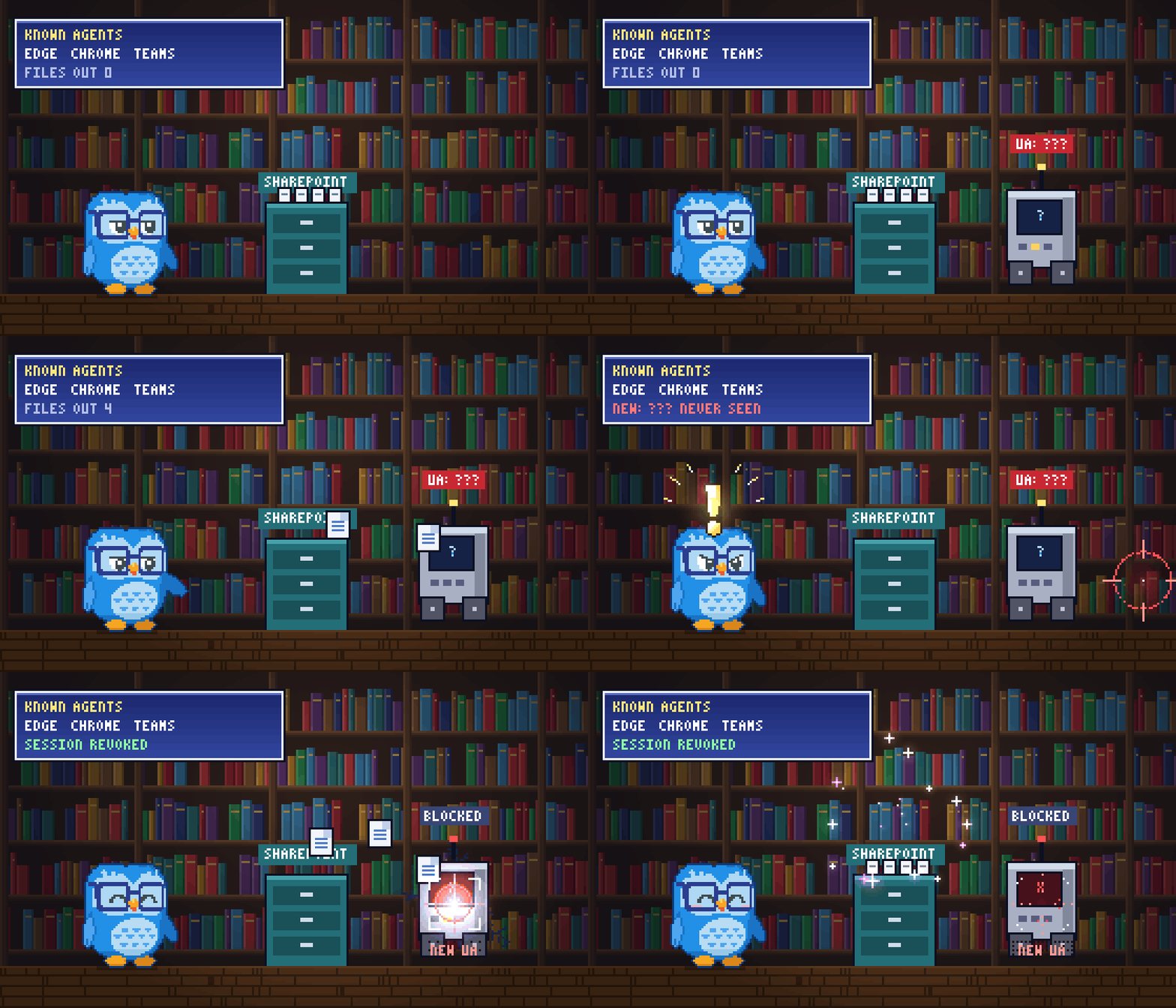
Cloud control-plane callers change IP constantly. A GitHub Actions or Azure DevOps pipeline runs from ephemeral, rotating public addresses, so every single deployment looks like it came from a new IP. An administrator works from the office, then home, then a phone, then a VPN, four IPs in a day. Managed identities and Azure services call from rotating infrastructure ranges. Every one of those is the same trusted caller doing the same routine thing, and every one of them trips the rule because the IP is new. The IP address is the single noisiest dimension you could pick to measure whether an identity is behaving unusually, because for automation and roaming humans it is designed to change.
So the first fix is to drop the IP from the rarity key entirely. Rarity is a property of the identity and what it did, not of where the packet originated. The IP becomes context in the alert, not the thing that decides whether to fire.
Suppress the People Whose Job Is Deploying
Keying on the identity alone is necessary but not sufficient, because plenty of identities deploy resources for a living. An IaC pipeline creates new resource types every time the code changes. A platform team stands up infrastructure all day. If the rule fired every time one of them touched something new, it would still flood.
So baseline who deploys. Over fourteen days, learn the set of callers that perform these operations. A caller that deploys routinely is in that set and stays quiet. The rule fires on two things instead: a caller that is new to the control plane entirely, or any caller, routine or not, performing a high-value operation that is new for them. An established pipeline shipping its usual resources does not fire. The same pipeline suddenly creating a role assignment does.
High-Value Operations Are the Real Signal
The original watches VM, deployment, and resource group writes. Those are the routine operations, the ones that happen thousands of times a week, and a virtual machine write fires on a tag change as readily as on a new build. The operations that actually mean compromise are different ones: role assignments and role definitions, which are privilege escalation; VM extensions and run commands, which are remote execution on the instance; key vault access policy changes, which are data access; runbooks and managed identities, which are persistence.
The rebuild watches a broader, security-relevant operation set and marks that high-value subset specially. A high-value operation fires whenever it is new for the caller, regardless of whether that caller is a routine deployer, because an established identity doing one of these out of character is exactly the escalation or persistence step worth catching. The routine writes still feed the new-caller signal, but on their own they no longer generate alerts.
Cutting the Last of the Noise
Two more passes. Only successful operations fire, because a failed write is permission probing, useful as a corroborating indicator but not an alert on its own. And a brand new human caller doing a single routine deployment is almost always a new hire, so the new-caller path requires the caller to be a service principal or to be touching many resources at once, the shapes that actually look like an attacker rather than an onboarding.
The RiskIndicators Field
Same accumulating string as the rest of the series, mapped as a custom detail. Six indicators:
NewCaller | HighValueOperation | RoleAssignmentChange | ServicePrincipalCaller | MultiResourceBurst | FailuresPreceding
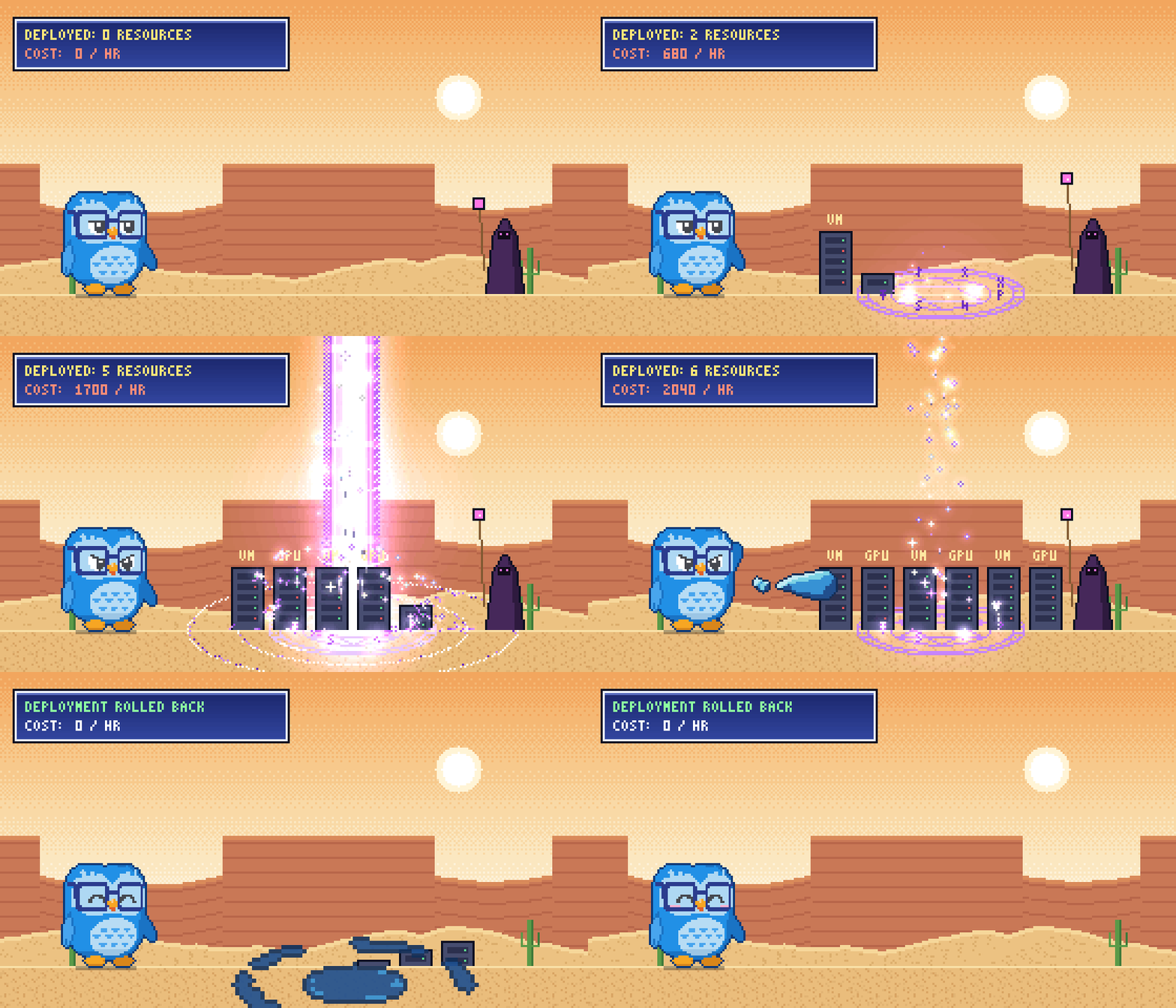
The combination to chase is RoleAssignmentChange on a ServicePrincipalCaller, or HighValueOperation with MultiResourceBurst: an identity granting itself or others new access, or scripting its way across many resources at once, which is the signature of both cryptomining spin-ups and hands-on cloud persistence.
The Blind Spot You Should Know About
AzureActivity is the Azure Resource Manager control plane and nothing else. It does not see data-plane actions like reading a blob, and it does not see Entra changes, which live in the audit log. It also only contains subscriptions whose Azure Activity connector is actually enabled, so an unconnected subscription is invisible here, the same coverage trap from earlier in this series, and the fix is the same: connect them.
The operation list is the other thing to own. It is environment-specific by nature, and the defaults below are a starting point, not gospel. The resource-provider operations reference is long for a reason; tune the watched set and the high-value subset to what your tenants actually run.
MITRE Mappings for the Updated Rule
Tactic: Defense Evasion, Persistence, and Impact.
T1578.002 Create Cloud Instance. Deploying compute through the control plane, the core of what the rule watches.
T1098.003 Additional Cloud Roles. The role-assignment path, an identity granting privileged access to maintain or escalate its foothold.
T1496 Resource Hijacking. The burst path, an attacker spinning up compute at scale, most commonly for cryptomining on someone else's bill.
Rule Settings
Run every 60 minutes with a 14 day query period. The original ran daily, slow for compute that an attacker can stand up in minutes. AzureActivity can lag on ingestion, so widen DetectionWindow if yours does. Medium severity, raised to High by the role-assignment and high-value indicators. Alert per result. Group by Account entity, the caller, with a 6 hour lookback.
Entity mapping:
- Name to Account (Name), UPNSuffix to Account (UPNSuffix) for user callers
- AadUserId to Account (AadUserId) for service principal callers
Custom details to surface in the incident: RiskIndicators, SuccessOps, FailedOps, DistinctResources, HighValueNewOps, Operations, ResourceTypes, ResourceGroups, RoleAssignmentOps, CallerIps.
KQL
// =====================================================================
// Suspicious Resource Deployment - Azure Activity
// =====================================================================
// Description : Detects suspicious Azure control-plane deployments. Rarity is keyed on the
//               caller and the operation, never the caller's IP, which removes the roaming-admin
  //               and CI/CD false positives. Routine deployers are suppressed; the rule fires on a
//               caller new to the control plane or any caller performing a high-value operation
//               that is new for them.
// Type        : Detection
//
// Tables      : AzureActivity
// Connectors  : Azure Activity (one per subscription in scope)
// License     : Microsoft Sentinel
//
// Tuning      : - szOperationNames - the watched operation set; tune to your environment
//               - HighValueOps - the escalation / execution / persistence subset that fires on new-for-caller
//               - ExcludedCallers - known IaC / automation identities that deploy by design
//               - BurstThreshold - distinct resources by one caller in the window that count as a spree
//               - DetectionWindow / BaselineWindow - align to run frequency and AzureActivity ingestion latency
//
// Known FPs   : - IaC pipelines / platform automation - in the caller baseline, suppressed unless high-value
//               - New hires running their first deployment - new-caller path requires SP or a resource burst
//               - Routine VM / deployment writes by established callers - no longer alert on their own
//
// Author      : Bartosz Wysocki | https://www.itprofessor.cloud
// Version     : 1.0 | 2026-06-17
// =====================================================================
let DetectionWindow = 1h;
let BaselineWindow = 14d;
let BurstThreshold = 10;             // distinct resources one caller touches in the window -> scripted spree
let ExcludedCallers = dynamic([]);   // known automation, e.g. ["terraform@contoso.com", "<github-actions-sp-object-id>"]
let szOperationNames = dynamic([
"Microsoft.Resources/deployments/write",
"Microsoft.Resources/subscriptions/resourceGroups/write",
"Microsoft.Compute/virtualMachines/write",
"Microsoft.Compute/virtualMachines/extensions/write",
"Microsoft.Compute/virtualMachines/runCommand/action",
"Microsoft.Web/sites/write",
"Microsoft.Storage/storageAccounts/write",
"Microsoft.Network/networkSecurityGroups/write",
"Microsoft.Authorization/roleAssignments/write",
"Microsoft.Authorization/roleDefinitions/write",
"Microsoft.KeyVault/vaults/write",
"Microsoft.KeyVault/vaults/accessPolicies/write",
"Microsoft.Automation/automationAccounts/write",
"Microsoft.Automation/automationAccounts/runbooks/write",
"Microsoft.ManagedIdentity/userAssignedIdentities/write"
]);
let HighValueOps = dynamic([
"Microsoft.Authorization/roleAssignments/write",
"Microsoft.Authorization/roleDefinitions/write",
"Microsoft.KeyVault/vaults/accessPolicies/write",
"Microsoft.Compute/virtualMachines/extensions/write",
"Microsoft.Compute/virtualMachines/runCommand/action",
"Microsoft.Automation/automationAccounts/runbooks/write",
"Microsoft.ManagedIdentity/userAssignedIdentities/write"
]);
// Qualifying control-plane writes in a window
let Activity = (windowStart:datetime, windowEnd:datetime) {
    AzureActivity
    | where TimeGenerated between (windowStart .. windowEnd)
    | where OperationNameValue in~ (szOperationNames)
    | where isnotempty(Caller)
};
// 14-day baseline (successful only): who deploys, and which ops each caller has performed
let BaselineActivity = materialize(
    Activity(ago(BaselineWindow), ago(DetectionWindow))
    | where ActivityStatusValue in~ ("Success", "Succeeded"));
let CallerBaseline = BaselineActivity | distinct Caller | extend SeenCaller = true;
let CallerOpBaseline = BaselineActivity | distinct Caller, OperationNameValue | extend SeenOp = true;
Activity(ago(DetectionWindow), now())
| where Caller !in~ (ExcludedCallers)
| extend ResourceType = strcat_array(array_slice(split(OperationNameValue, "/"), 0, -2), "/")
| extend IsHighValueOp = OperationNameValue in~ (HighValueOps)
| extend IsSuccess = ActivityStatusValue in~ ("Success", "Succeeded")
| join kind=leftouter CallerOpBaseline on Caller, OperationNameValue
| extend IsNewOpForCaller = isnull(SeenOp)
| summarize
    StartTime = min(TimeGenerated),
    EndTime = max(TimeGenerated),
    SuccessOps = countif(IsSuccess),
    FailedOps = countif(ActivityStatusValue in~ ("Failed", "Failure")),
    HighValueNewOpCount = countif(IsHighValueOp and IsNewOpForCaller and IsSuccess),
    RoleAssignmentOps = countif(OperationNameValue =~ "Microsoft.Authorization/roleAssignments/write" and IsSuccess),
    DistinctResources = dcountif(_ResourceId, IsSuccess),
    HighValueNewOps = make_set_if(OperationNameValue, IsHighValueOp and IsNewOpForCaller and IsSuccess, 25),
    Operations = make_set(OperationNameValue, 50),
    ResourceTypes = make_set(ResourceType, 50),
    ResourceGroups = make_set(ResourceGroup, 50),
    Resources = make_set(_ResourceId, 50),
    CallerIps = make_set(CallerIpAddress, 25),
    CorrelationIds = make_set(CorrelationId, 25)
  by Caller
| where SuccessOps > 0
| join kind=leftouter CallerBaseline on Caller
| extend IsNewCaller = isnull(SeenCaller)
| extend IsServicePrincipal = Caller !has "@"
| where HighValueNewOpCount > 0 or (IsNewCaller and (IsServicePrincipal or DistinctResources >= BurstThreshold))
| extend Risk_1 = iff(IsNewCaller, "NewCaller", "")
| extend Risk_2 = iff(HighValueNewOpCount > 0, "HighValueOperation", "")
| extend Risk_3 = iff(RoleAssignmentOps > 0, "RoleAssignmentChange", "")
| extend Risk_4 = iff(IsServicePrincipal, "ServicePrincipalCaller", "")
| extend Risk_5 = iff(DistinctResources >= BurstThreshold, "MultiResourceBurst", "")
| extend Risk_6 = iff(FailedOps > 0, "FailuresPreceding", "")
| extend RiskIndicators = trim(@"\s\|\s*$", strcat(
    iff(isnotempty(Risk_1), strcat(Risk_1, " | "), ""),
    iff(isnotempty(Risk_2), strcat(Risk_2, " | "), ""),
    iff(isnotempty(Risk_3), strcat(Risk_3, " | "), ""),
    iff(isnotempty(Risk_4), strcat(Risk_4, " | "), ""),
    iff(isnotempty(Risk_5), strcat(Risk_5, " | "), ""),
    iff(isnotempty(Risk_6), strcat(Risk_6, " | "), "")
))
| extend Name = iif(Caller has "@", tostring(split(Caller, "@", 0)[0]), ""),
         UPNSuffix = iif(Caller has "@", tostring(split(Caller, "@", 1)[0]), ""),
         AadUserId = iif(Caller !has "@", Caller, "")
| project
    StartTime, EndTime, RiskIndicators,
    Caller, Name, UPNSuffix, AadUserId, IsServicePrincipal,
    SuccessOps, FailedOps, DistinctResources, RoleAssignmentOps, HighValueNewOpCount,
    HighValueNewOps, Operations, ResourceTypes, ResourceGroups, Resources,
    IsNewCaller, CallerIps, CorrelationIds
| sort by HighValueNewOpCount desc, DistinctResources desc
Follow my repo - GitHub
What You Should Do Next
- Tune the operation lists before you deploy. The defaults are a sensible start, but the watched set and the high-value subset should reflect the resource providers your tenants actually use. Add what matters to you, drop what is pure noise.
- Run the query over the last day(s) and read what fires. Whatever shows up as a routine pipeline goes into ExcludedCallers; established automation belongs in the baseline, not the queue.
- Connect every subscription. This rule is blind on any subscription whose Azure Activity is not flowing into the workspace, and that blindness is silent.
Class dismissed