Microsoft Sentinel on a Shoestring: What You Can Actually Do with Business Premium

All right class
You have Entra ID P1 and Business Premium. You need a SIEM. This is what you can actually build, what it costs, and how to do it without going broke.
What You Already Own (And It's More Than You Think)
Business Premium gets you:
- Defender for Business (a standalone product included with Business Premium)
- Defender for Office 365 (Plan 1 - email threat detection)
- Windows Defender (on device)
- Cloud App Discovery (you can see what SaaS apps are being used)
- Intune (basic device management)
Entra ID P1 gets you:
Sign-in logs (every login, success and failed) - and critically, the ability to stream them to Sentinel
Audit logs (who changed what in your directory)Conditional Access policies (far more granular than security defaults)
Basic MFA via security defaults or Conditional Access
That's the baseline. No extra licenses needed. The question isn't "what can I afford to add?" It's "what can I send to Sentinel without destroying my budget?"
The Real Cost: Sentinel Ingestion (Not Licensing)
Your licenses are fine. The cost is how much data you shove into Sentinel.
Sentinel charges ~$5.22 per GB ingested (as of Jan 2026). But you don't have to ingest everything.
Realistic scenario for a 50-person company:
- Defender alerts (free to ingest, technically you are paying only for the SecurityAlerts table where alerts are stored): 0.005 GB/day
- Entra ID sign-in logs: 1-2 GB/day
- Entra ID audit logs: 0.5-1 GB/day
- Azure Activity (if you use Azure): Free to ingest
Total: ~1.5-3 GB/day = $8-15/month for Sentinel ingestion
That's it. That's your cost. Not $3,500. $8-15 a month for a 50-person company. Scale roughly proportionally - 100 users, expect roughly double the ingestion cost
What You Can Actually Do (Real Setup)
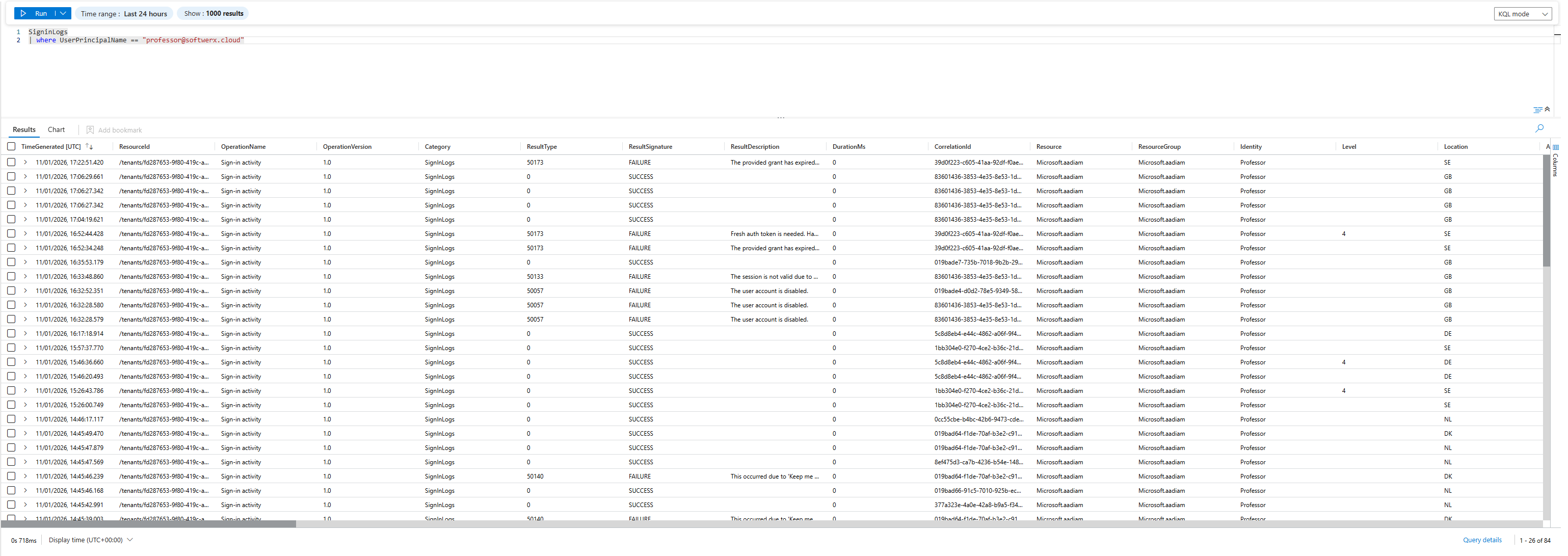
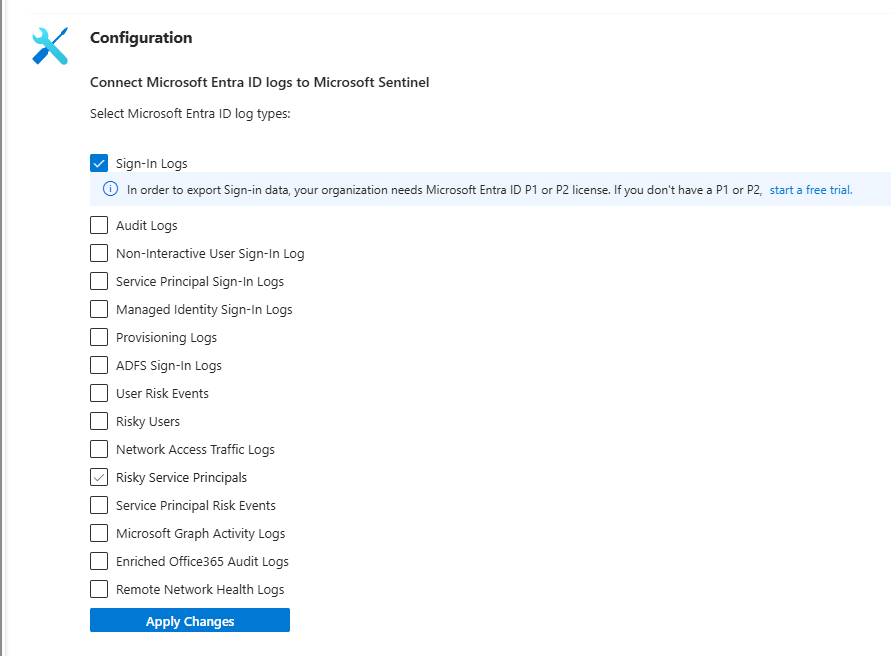
Step 1: Entra ID Sign-In Logs
Every login attempt (success and failure) shows up in your logs. This tells you:
- Brute force attempts (50 failures in 10 minutes)
- Impossible travel (London at 9 AM, New York at 9:15 AM)
- Credential stuffing from public breaches
- After-hours access from unusual locations
Cost: ~$5-10/month for typical company.
Value: Catches account takeover in real time.
This alone is worth setting up.
Step 2: Entra ID Audit Logs
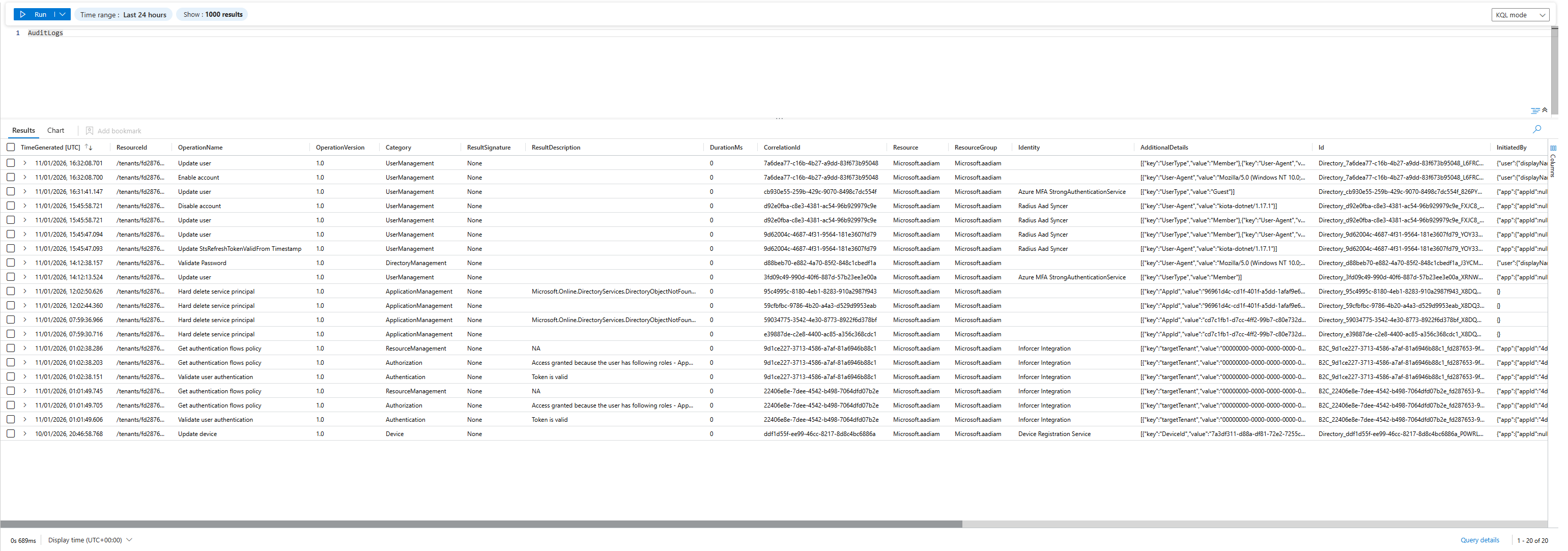
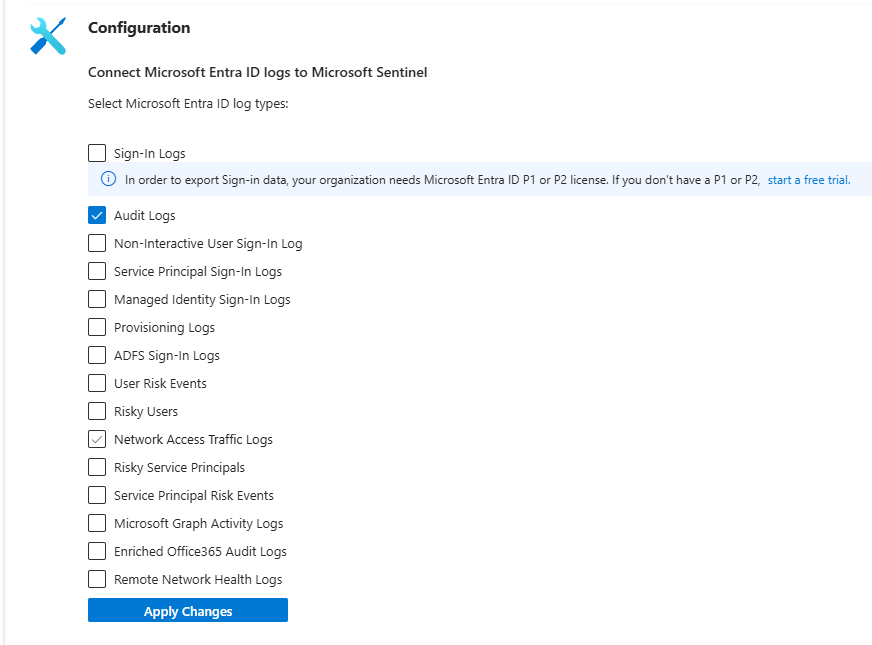
Shows you:
- New users created
- Admin role assignments
- Group membership changes
- MFA changes
- App permissions granted
Cost: ~$2-5/month.
Value: Detects rogue admins and unauthorized changes.
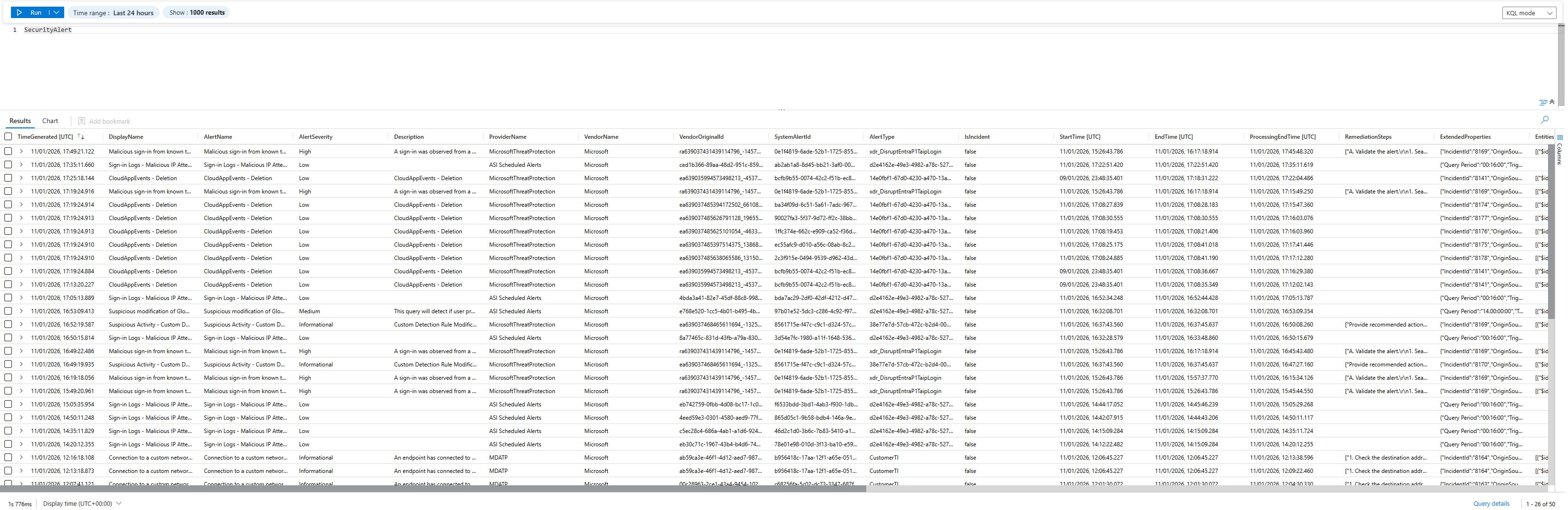
Step 3: Defender Alerts (Free)
Everything your email protection and endpoint protection caught:
- Phishing emails stopped
- Malware detected and quarantined
- Suspicious process executions
- Policy violations
Cost: $0 (alerts ingest for free, technically you are paying for the SecurityAlerts table where those logs are stored, but it's a fraction of a $).
Value: Correlates security incidents across email and endpoints.
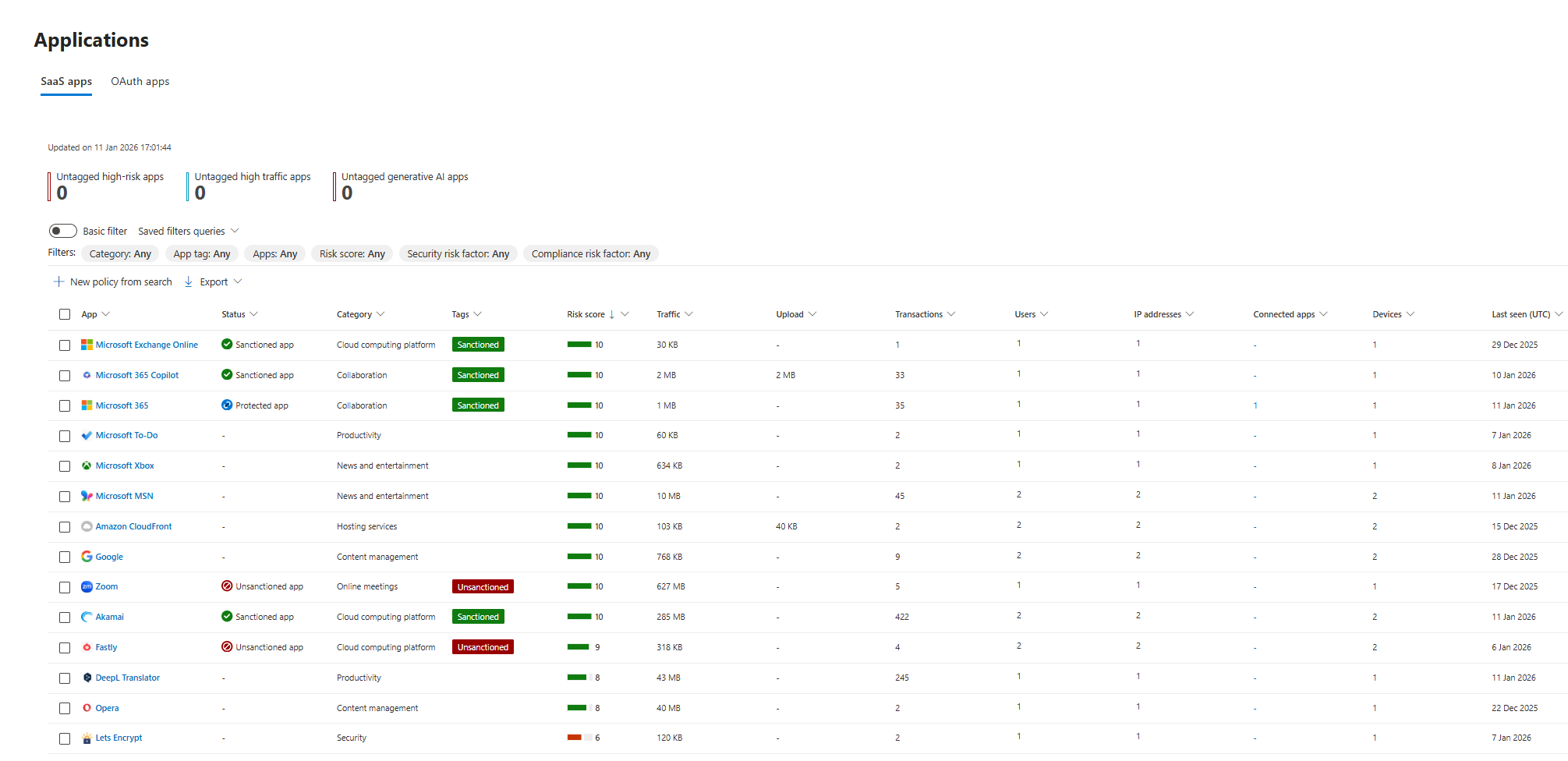
Step 4: Cloud App Discovery (Free)
You can see:
- What cloud apps are in use
- Risk scores for each app
- Shadow IT (apps you didn't know about)
Cost: $0 (included with Business Premium).
Value: Identifies risky SaaS apps in use + you can set up a few policy templates to flag any suspicious applications.
Total monthly cost for a working Sentinel setup: $25-40/month (counting slightly over, as you will definitely see some spikes from time to time that you need to fix)
What NOT to Do (Kills Your Budget)
Don't ingest Windows event logs
A single server may generate 1 GB/day of Security events. 50 servers = 50+ GB/day = $260+/month. Your entire budget is gone.
You don't need this. Defender tells you what matters (malware, suspicious behavior). The rest is noise (for your budget at least)
Don't ingest all Office 365 activity logs
Office 365 Unified Audit Logs are small (~$2-3/month) but skip them unless you need compliance trails or insider threat detection. Defender alerts handle external threats fine. Saying all of that Office 365 activity would be my next go in line to ingest over anything else.
The Setup (Actually Simple)
- Create a Log Analytics workspace in Azure
- Add Sentinel to that workspace (you only pay for ingestion + you have 30 days of free trial (with a GB limit) )
- Connect these 4 data sources:
- Defender XDR (gets all Defender alerts)
- Entra ID Sign-in Logs
- Entra ID Audit Logs
- Azure Activity (if you use Azure at all)
- Set up LAW retention to 90 days (it's free!)
That's it.
You can follow my guides on how to do it all
 Bartosz Wysocki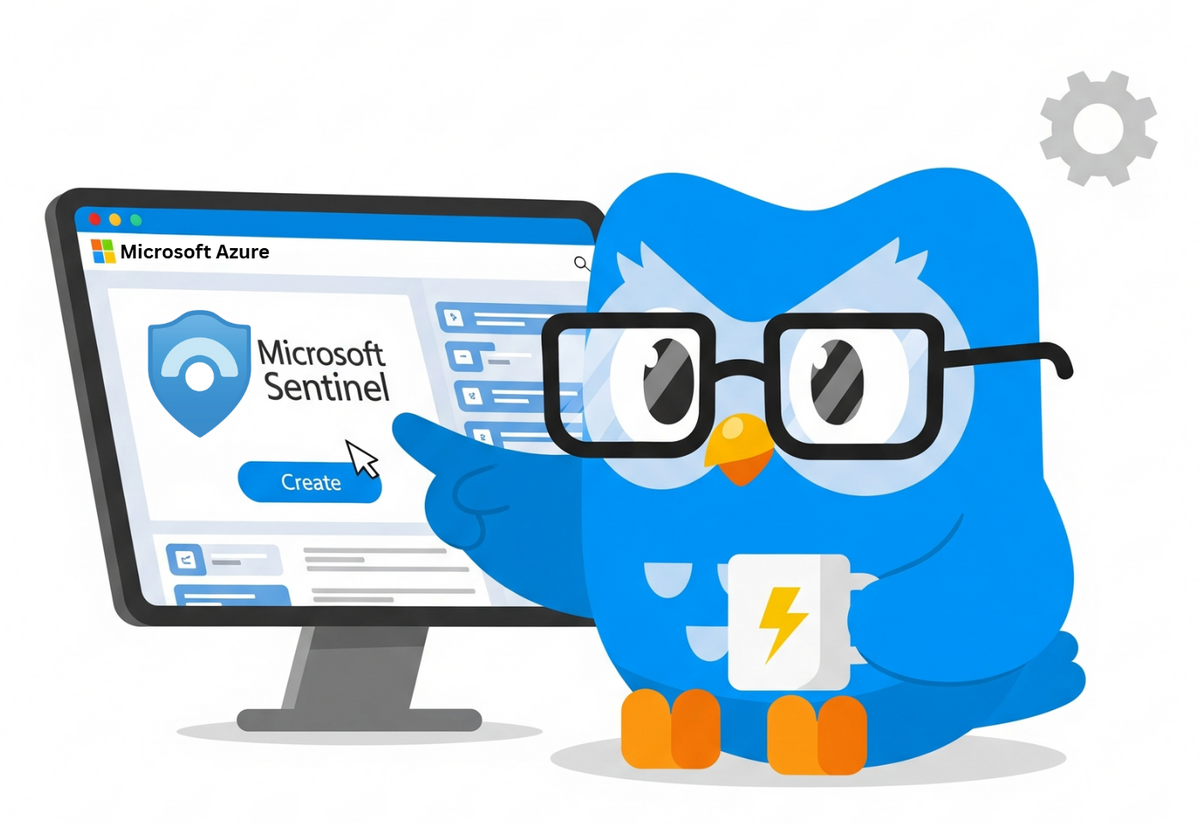
 Bartosz Wysocki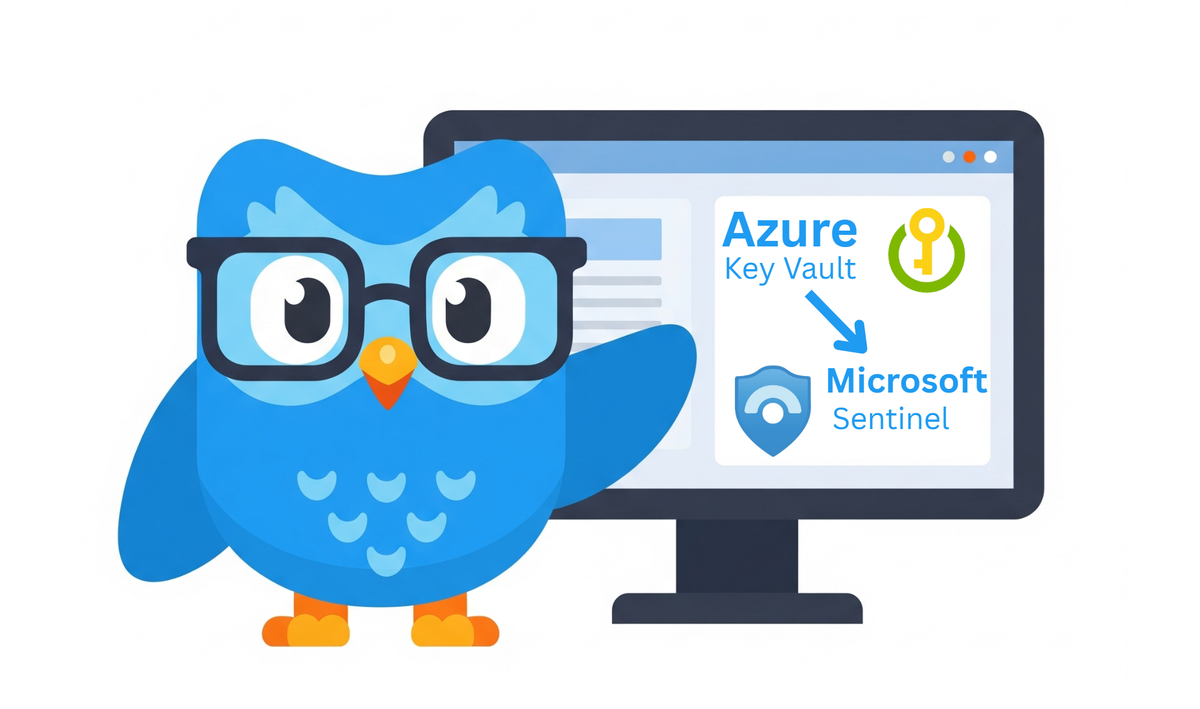
What This Gets You
A dashboard showing you:
- Alert summary (email threats, endpoint threats)
- Failed logins by user (catch brute force and user misconfiguration)
- New users and privilege changes (track admin activity)
- Cloud app risks (identify shadow IT)
You can use built-in templates from the Microsoft Sentinel data connectors and implement them to receive meaningful alerts.
 Bartosz Wysocki
The Honest Limitation
You're building a correlation layer. That's the whole point.
Sentinel's job: Spot when multiple bad things happen to the same user at the same time.
Defender portal's job: Investigate the details.
They're complementary, not redundant. You're getting a 24/7 correlation engine that watches for patterns. You're not getting forensics or advanced threat hunting, but you don't need those to catch:
- Account takeovers (50 failed logins + malware alert)
- Ransomware (bulk file access + encryption events)
- Lateral movement (admin login from an unusual machine + privilege escalation)
- Credential harvesting (mail rules + forwarding + login from new location)
Real MSPs and small companies do exactly this. Sentinel alerts → Portal investigation → Human response.
Sentinel will generate alerts. Someone needs to look at them. For a 50-person company without a dedicated security analyst, consider:
- Assign a specific person (IT admin, most likely) to review Sentinel alerts daily - even 15 minutes counts
- Set up email or Teams notifications for high-severity alerts so they don't sit unread
- If nobody is responding to alerts, the system is just logging
A SIEM nobody watches is a SIEM that watches nobody.
What You're Missing (And That's OK)
- Detailed device events (it costs too much)
- Real-time blocking of risky cloud apps (that's Defender for Cloud Apps add-on)
- Automated playbooks that execute remediation (that's automation, which may cost per execution)
- Complex behavioral analytics (that's E5)
These are nice to have, but I will take Singin Logs, Audit Logs, Azure Activity (and maybe Office 365 Activity) at any time of the day over most of the other things, as those logs are crucial for every single company using the Microsoft ecosystem.
One Year In: What You'll Have
- History showing you login patterns, privilege changes, alerts (you have 90 days' worth of data in Sentinel at any time)
- Custom queries that catch the attacks you've actually seen
- A baseline for "normal" in your environment
- Evidence if you ever get hacked ("here's when we detected the breach")
- Data to show compliance auditors ("here's our logging")
What to Do Next
- Follow previous steps.
- Let it run for a month. Understand your noise baseline.
- Build from there.
 Bartosz Wysocki
The Real Talk
You're operating on a budget that the industry pretends doesn't exist. Enterprise vendors will never admit their products work for you. They want you to buy everything.
But this works. You have enough. Use what you have. Don't overspend on ingestion you don't need.
Go build it. Class dismissed.